HSVE Cloud-Init Templates
Setup
How To Restore and Configure HSVE Cloud-Init Template
This guide outlines how to restore and configure the cloud-init compatible templates by using the HSVE Templates script.
Currently there are 2 Cloud-Init compatible templates:
- HSVE Ubuntu 25.10
- HSVE Debian 13.7
Step 1: Restoring A Cloud-Init Template
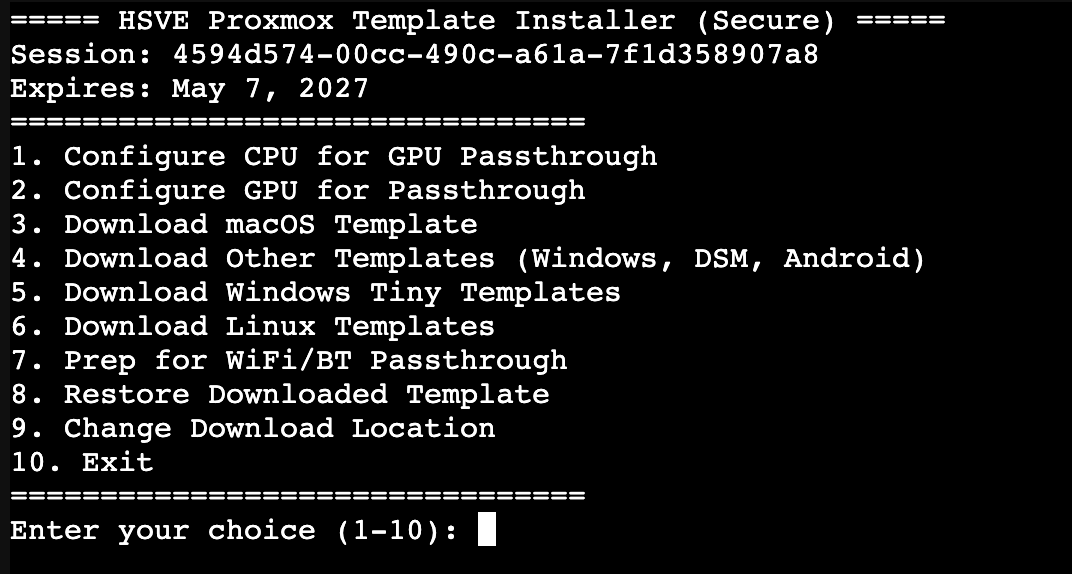
The first step is to restore a cloud-init template. This can be done very simpily running step 8 in the HSVE Templates Script
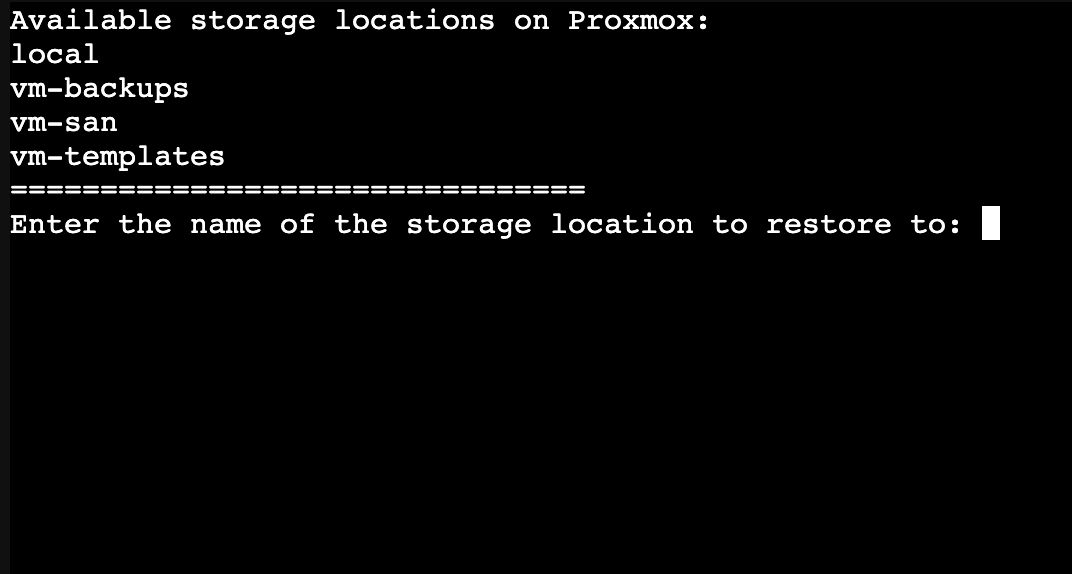
You will then get an option to set where you'd like the VM Storage to be located, whether it's on your local drive on Proxmox or if you have a SAN/NFS share. If you don't have anything complex set up, just select the default which is local-lvm.
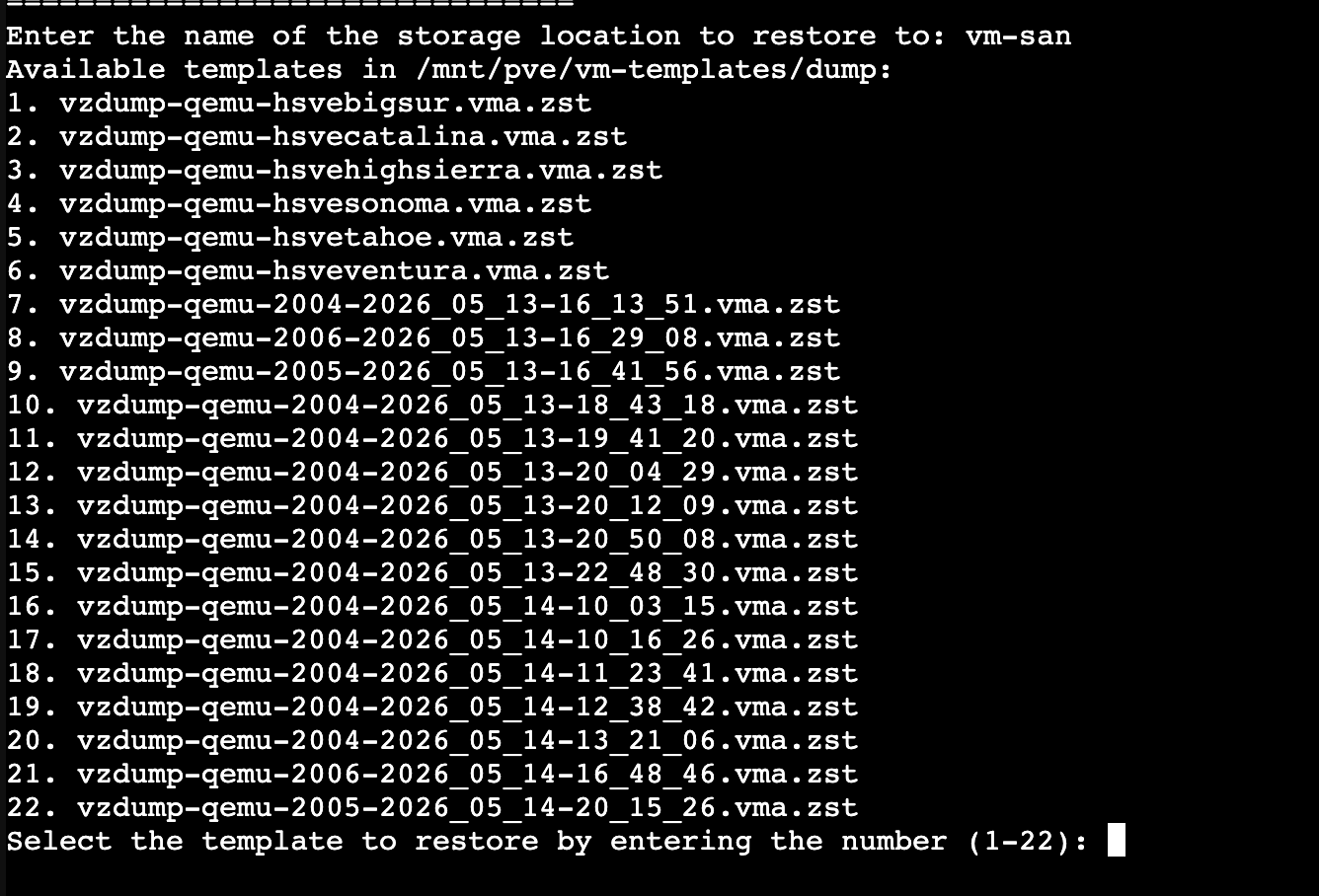
You will then get a list of templates that you have downloaded. Type in the number associated and press enter.
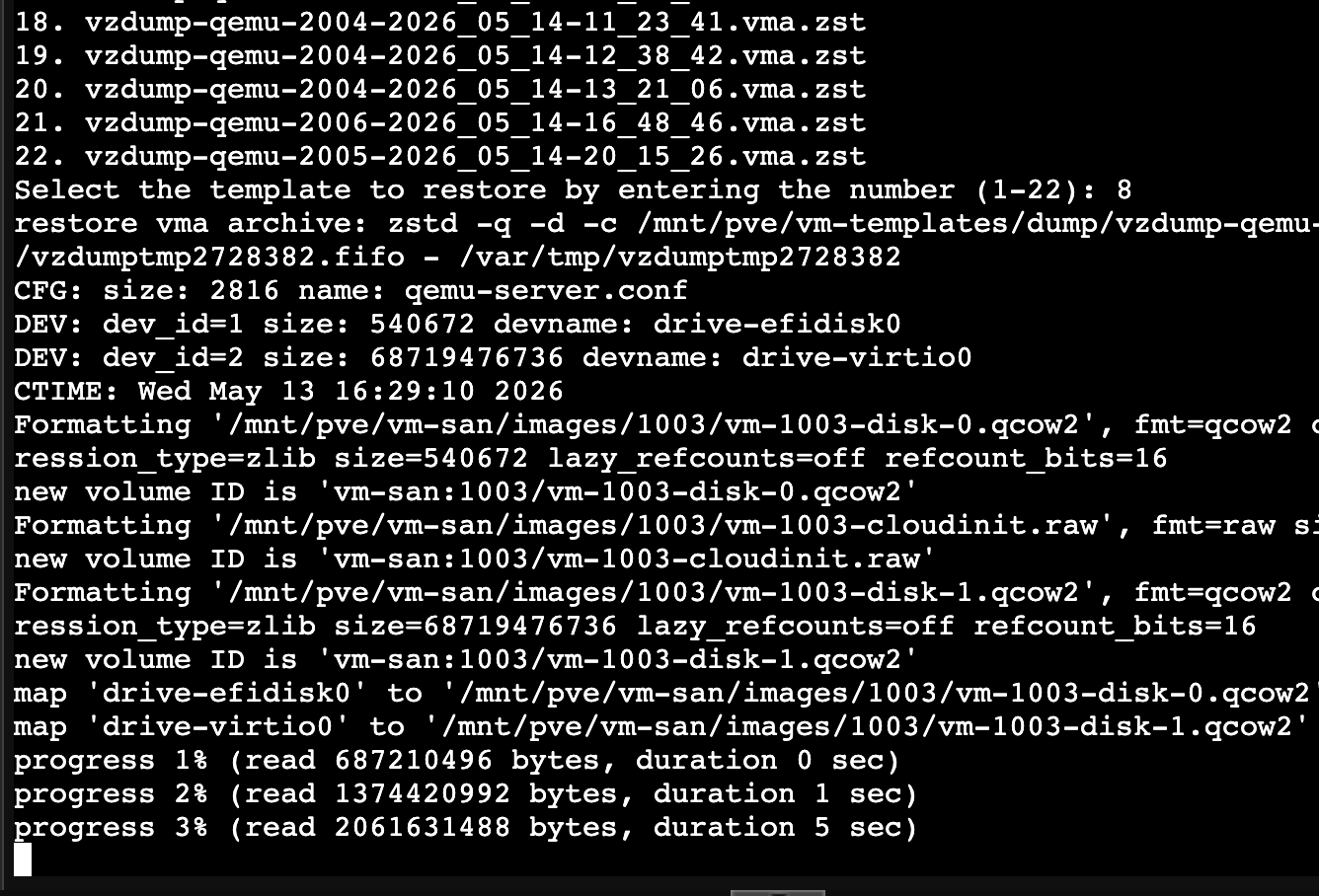
You will then get the progress like shown below:
Once the template is restored select it from the proxmox side menu, and you should see the following screen:
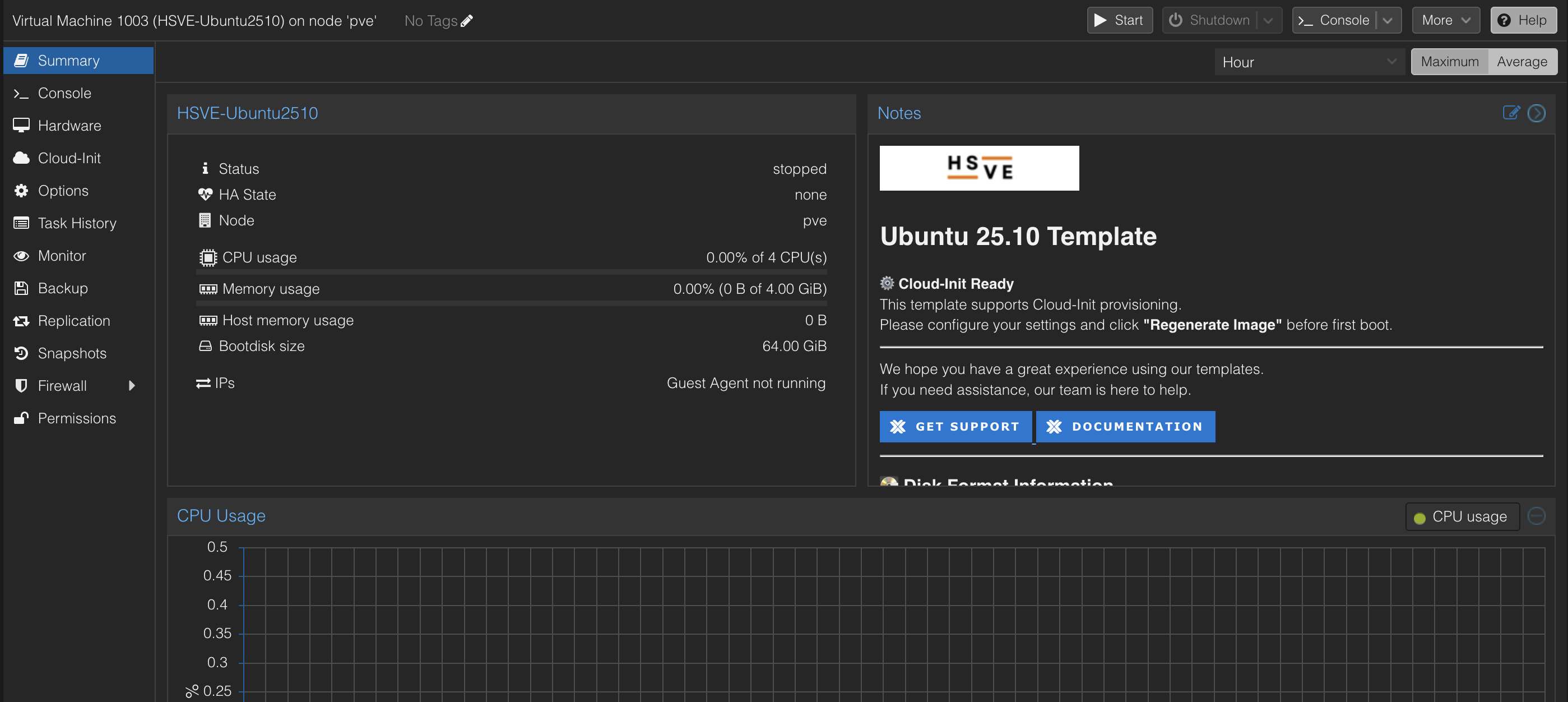
Select Cloud-Init from the left and side menu to get started!
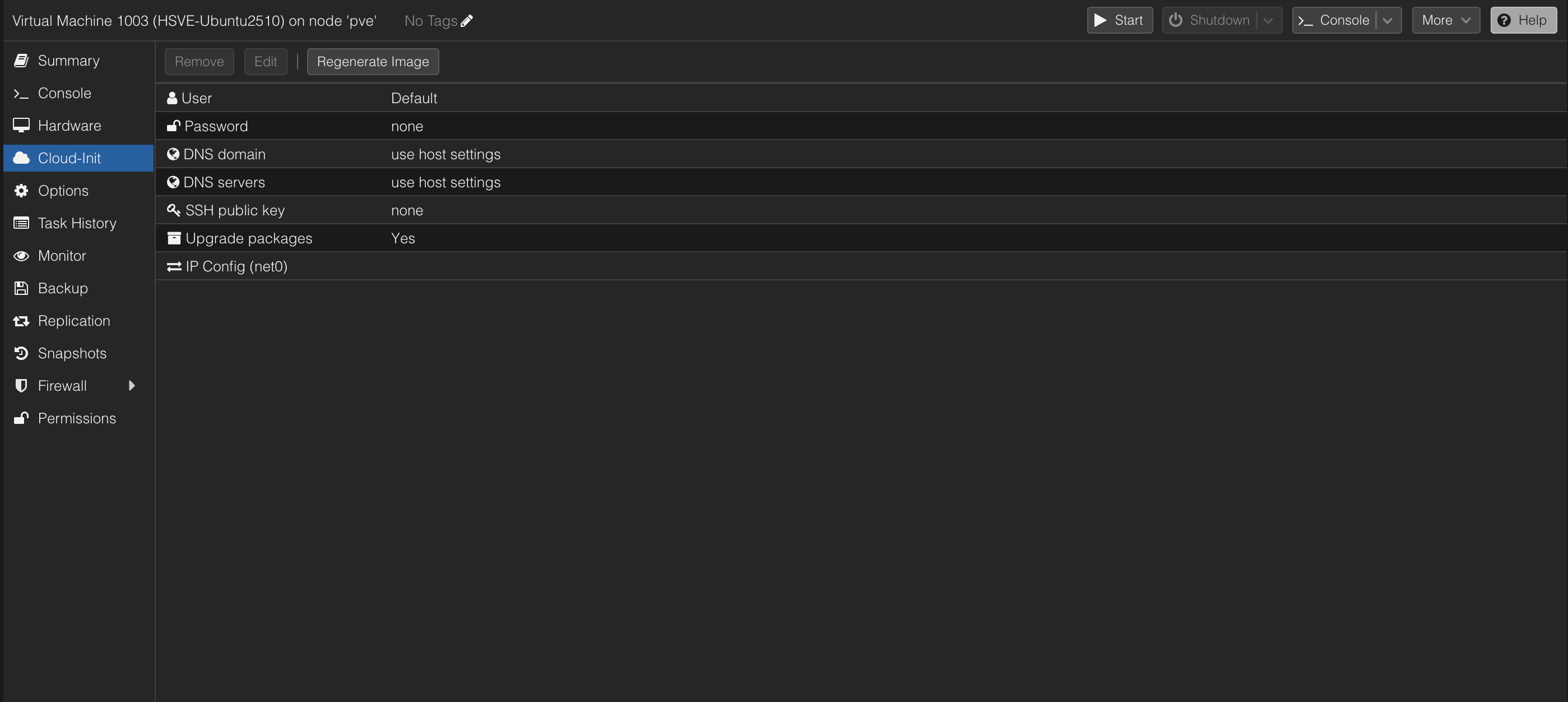
Here you will input the following information, User, Password and IP Config.
Once you have set the information, you need to make sure to select 'Regenerate Image' otherwise the VM will not set up correctly.
Once you've pressed 'Regenerate Image' You may boot the VM. and you'll be able to log in with the username and password you have set. As well as this if you've set static IP details too, you'll be able to SSH in!
If you have any further questions please do not hesitate to contact us.